In This Article
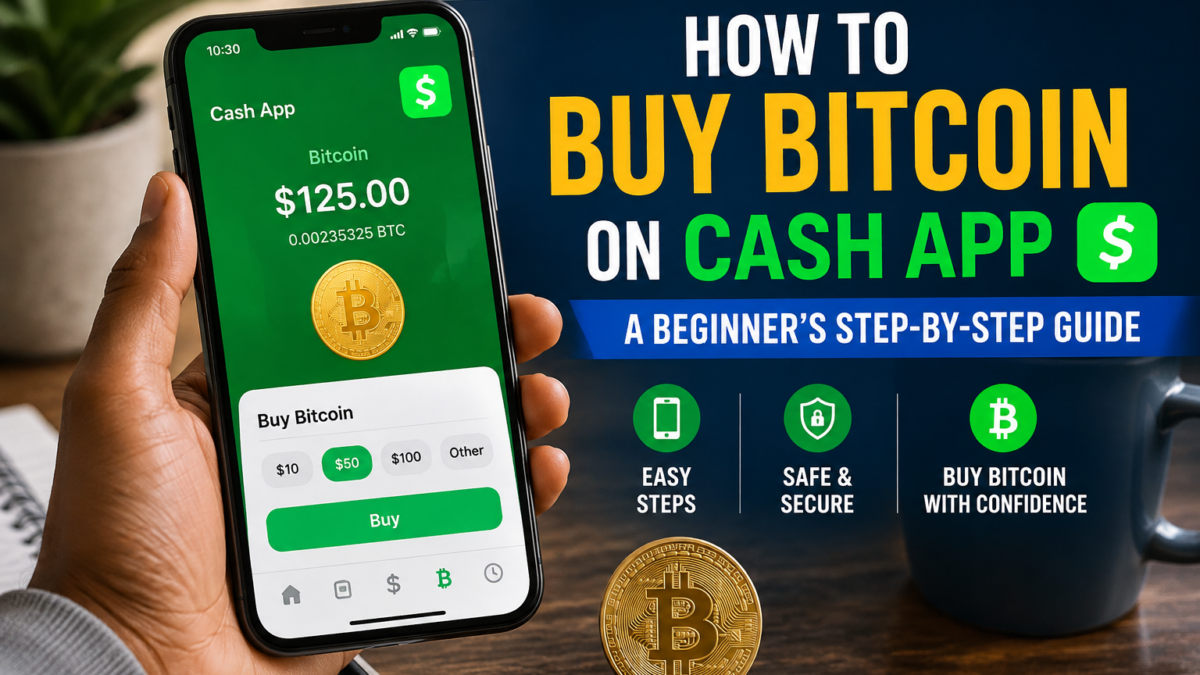
How to buy bitcoin on Cash App is a straightforward process for eligible U.S. users, but it involves more than tapping a purchase button. Cash App may require identity verification, and you’ll need to review the purchase price, fees, and any spread before confirming your order.
Bitcoin can lose value quickly, so treat this guide as educational information, not personal financial advice. You’ll also need to consider account security, tax records, and the difference between buying Bitcoin and sending it to another wallet.
Next, we’ll walk through how to prepare your Cash App account, review a Bitcoin purchase, and manage your Bitcoin after you buy it.
Key Takeaways
- Learning how to buy bitcoin on Cash App starts with completing identity verification and choosing a supported payment source.
- Review the Bitcoin price, any spread, and the displayed fee before confirming your purchase through Cash App’s official buying instructions.
- Bitcoin prices can fall sharply, so only use money that you don’t need for bills, debt payments, or emergency savings.
- Buying Bitcoin and sending it to another wallet are separate actions. Check every address carefully, and review Cash App’s Bitcoin transfer guidance before moving funds.
What You Need to Buy Bitcoin on Cash App
Before you learn how to buy bitcoin on Cash App, prepare your account and confirm that the feature is available to you. You’ll need a U.S. Cash App account, a supported device, enough money in your Cash balance, and any identity verification Cash App requests.
Cash App features can vary by account type and location, so your app may not show the same options as another user’s account. Update the app through your device’s official app store, then open only the official Cash App application. Avoid links, messages, or websites that ask you to submit personal information outside Cash App.
Identity Verification, Account Limits, and Eligibility
Identity verification is Cash App’s process for confirming that you are the person who owns the account. Before your first Bitcoin purchase, Cash App may ask for information such as your legal name, date of birth, and the last four digits of your Social Security number or ITIN. In some cases, it may request more details, including a government-issued photo ID, address, or information about your source of funds.
Cash App may also show an in-app verification prompt when your account reaches an applicable limit. Use the prompt inside the official app, and never send sensitive information to someone who contacts you through social media, email, or an unofficial website.
Cash App’s public limits information lists different features and limits for unverified and sponsored accounts. However, those limits can change, and they may not apply equally to every account. Review your app before purchasing. Sponsored accounts may need additional sponsor approval for Bitcoin features and may have lower Bitcoin limits. Cash App’s sponsored account limits page provides more detail.
How Much Bitcoin Can a Beginner Buy?
You don’t need to buy one whole Bitcoin. Cash App allows fractional Bitcoin purchases, so you can choose a dollar amount that fits your budget. Cash App currently states that users can buy Bitcoin with as little as $1 but confirm the minimum shown in your app before placing an order.
Your purchase amount is separate from account, transaction, funding, and withdrawal limits. A small purchase may still require verification or an eligible funding source.
Before buying, make sure the money is genuinely available. Pay rent, bills, debt obligations, and emergency savings first. If you’re still building an emergency fund, don’t redirect that money into Bitcoin. Choose an amount you could afford to lose, and never use borrowed funds for a volatile asset.
How to Buy Bitcoin on Cash App: Step-by-Step
Before you confirm a Bitcoin order, pause at the review screen. The number that first caught your attention may not be the amount you ultimately pay. Cash App displays the details you need to compare the total cost with the Bitcoin you will receive.
Review the Bitcoin Price, Fee, Spread, and Final Amount.
The market price is the current trading price of Bitcoin across the broader market. Cash App uses that market information to create a quoted exchange rate for your transaction. That quote may differ from the market price because prices move constantly and Cash App may include a spread.
A transaction fee is a separate charge for the purchase. Cash App’s current pricing information says any applicable spread appears before confirmation, while quoted fees exclude spreads. In other words, the fee shown on screen may not be the only difference between the market price and your quoted rate.
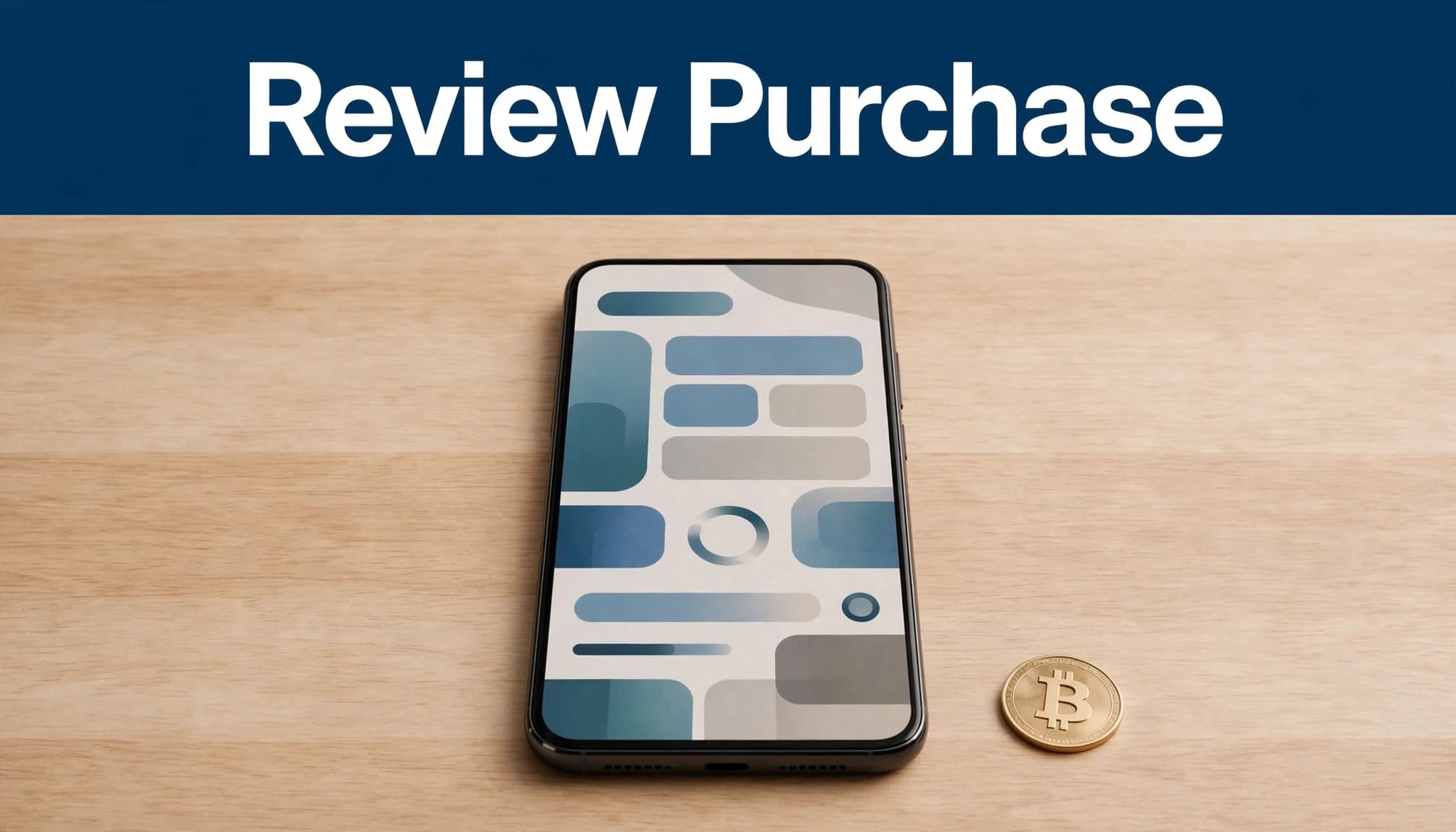
Review these items before tapping the confirmation button:
- The dollar amount that will be deducted from your selected funding source.
- The quoted Bitcoin exchange rate.
- Any transaction fee listed by Cash App.
- Any spread included in the quoted price.
- The estimated Bitcoin amount you will receive.
Compare the full dollar cost with the displayed Bitcoin amount. Cash App’s Bitcoin pricing information can change, so please verify the live pricing page immediately before publishing or following this guide. Don’t treat an older fee page as one universal price for every purchase.
Confirm the Purchase and Check the Transaction Details
Once the figures look acceptable, confirm the order inside Cash App. Save the confirmation screen or receipt, then open your Bitcoin activity to check the transaction.
Look for the purchased Bitcoin amount, its dollar value, the timestamp, the funding source, and the transaction status. A purchase marked pending may require additional processing, while a completed purchase should appear in your Cash App Bitcoin balance.
The displayed dollar value can change almost immediately. Bitcoin is highly volatile, so your balance may show a different value even when the Bitcoin amount hasn’t changed.
A completed purchase inside Cash App is different from sending Bitcoin to an outside wallet. Buying records is a trade within Cash App. Later, withdrawing Bitcoin sends it through the blockchain to an external wallet, where the address and network details must be correct. The transfer step may also involve a separate fee and processing time.
How to Buy Bitcoin on Cash App: Fees, Spreads, and Limits
The amount you spend on Bitcoin can differ from the market price shown elsewhere. Cash App may apply a transaction fee, include a spread in its quoted exchange rate, or apply different pricing rules to certain purchase methods.
Before you buy Bitcoin with Cash App, review the final order details. That screen gives you the most reliable cost for your specific transaction.
Why the Confirmation Screen Is the Best Fee Check
Cash App may charge a fee for a market Bitcoin purchase. Its current pricing page lists the following market buy and sell fee tiers as of September 2026:
| Transaction amount | Listed fee |
|---|---|
| $1 to $499 | 2.0% |
| $500 to $999 | 1.5% |
| $1,000 to $1,999 | 0.9% |
| $2,000 or more | 0% |
Cash App may also include a spread in the quoted Bitcoin exchange rate. Its pricing information says the spread can range from 0% to 0.75%, depending on market conditions. A fee-free label, therefore, doesn’t always mean your quoted rate matches the broader market price.
At the confirmation screen, check:
- The total dollar amount that will leave your Cash App balance or payment source.
- The quoted Bitcoin price or exchange rate.
- Any transaction fee shown separately.
- The Bitcoin amount you will receive.
- Any spread or pricing explanation displayed before approval.
Compare the total cost with the amount of Bitcoin received. Cash App says Bitcoin fees appear before confirmation, so use that preview as the source of truth instead of relying on a general fee estimate.
Cash App’s pricing page also lists different treatment for Auto Invest, round-ups, paid in Bitcoin, and some purchases of $2,000 or more. Check the current disclosure because these rules can change. If the figures seem unclear, cancel the order and don’t confirm until you understand the cost.
Purchase Limits Can Differ From Withdrawal Limits
Your Bitcoin purchase limit isn’t automatically the same as your sending or withdrawal limit. Cash App can set limits based on identity verification, funding method, account history, compliance checks, account type, and feature eligibility.
For example, Cash App’s official sponsored-account page lists Bitcoin buying, paid in Bitcoin, and round-ups at up to $400 per 30 days for that account category. That figure shouldn’t be treated as a universal limit for every customer.
Instead, open Cash App’s in-app limits and disclosures before placing an order. Cash App also directs users to review Bitcoin sending limits in the app, while its Bitcoin sending guidance explains that transfer limits can differ from purchase limits.
Withdrawal fees and speed are separate again. When you send Bitcoin to an outside wallet, Cash App displays the available withdrawal options and related charges before you approve the transfer. Always check those details at the time of the transaction.
Set Up Automatic Bitcoin Purchases Without Losing Control
Automatic purchases can remove some emotion from buying Bitcoin on Cash App. Instead of reacting to headlines or checking the price several times a day, you choose an amount and schedule in advance. However, automation doesn’t remove Bitcoin’s volatility or guarantee better results.
A Simple Way to Choose a Responsible Purchase Amount
Start with a small, planned amount that fits comfortably within your finances. A realistic Budgeting for Beginners plan can show what’s left after bills, debt payments, emergency savings, and other goals. That remaining money still doesn’t automatically belong in Bitcoin. Use only an amount you can lose without disrupting essential plans.
Cash App’s Auto Invest feature lets eligible users schedule recurring Bitcoin purchases. The intervals and choices shown in your app may include daily, weekly, or monthly purchases. To set one up, choose the automatic investing option, select the available amount and schedule, review the funding source, and then confirm the arrangement.
Cash App’s current pricing disclosures describe Auto Invest Bitcoin purchases as having zero fees and zero spread. Ordinary market purchases may have different costs, so review the live pricing disclosure before relying on any fee information. Product terms can change.
Before confirming, check whether the scheduled debit will come from your Cash App balance or a linked account. Keep enough available cash for each purchase, and review your bank activity regularly. An automatic charge can continue even when your budget changes.
You can cancel recurring buys at any time under Cash App’s current terms. If your app provides pause or edit controls, use them when you need to change the schedule. Otherwise, cancel the existing arrangement and create a new one with the updated amount. Don’t assume a canceled purchase will reverse a transaction that was already processed.
Auto Invest is different from Round Ups, which convert eligible spare-change amounts, and Paid in Bitcoin, which directs eligible payments or earnings toward Bitcoin. Each feature has separate settings and availability. Read the confirmation screen carefully, even when the purchase amount looks small.
How to Send Bitcoin From Cash App to Another Wallet
Buying Bitcoin in Cash App and sending it elsewhere are separate transactions. When you withdraw, Cash App transfers Bitcoin to an outside wallet address through an available network, so check each detail before approving the payment.
Bitcoin Addresses, Networks, and Confirmation Times
A Bitcoin address is the destination for your transfer. It isn’t a password, account number, or recovery code. You can enter the address manually or scan the recipient wallet’s QR code through Cash App’s Bitcoin withdrawal screen.
Bitcoin transfers are usually difficult or impossible to reverse. One wrong character can send funds to another destination, while an unsupported network can make Bitcoin inaccessible. Never use an address supplied by a stranger, and confirm that the receiving wallet supports the same network you select.
Cash App supports sending Bitcoin through the Bitcoin Network and also offers Lightning transfers for eligible users. Lightning and on-chain Bitcoin addresses are not interchangeable. If you aren’t sure which option your wallet requires, stop and check its receiving instructions before continuing.
Cash App’s Bitcoin sending instructions generally follow this flow:
- Open your Bitcoin balance and choose Send or Withdraw.
- Enter or scan the external wallet address.
- Choose the amount and available network or withdrawal speed.
- Review the address, fee, and final Bitcoin amount.
- Confirm the transfer using the security method that Cash App requests.
Cash App currently lists Standard, Rush, and Priority on-chain withdrawal speeds. Its pricing page says Standard can take 24 hours or less, while Rush and Priority may take two hours or less and 10 minutes or less. Rush and Priority may include additional fees, which Cash App displays before confirmation. Minimum withdrawal amounts can also differ by speed, so rely on the amount shown in your app.
A pending status doesn’t automatically mean something went wrong. Blockchain activity can take time because of network conditions, processing checks, or account review. Cash App’s terms also allow temporary withdrawal restrictions tied to certain funding sources or compliance reviews.
Cash App Balance or Self-Custody Wallet: What Changes?
Keeping Bitcoin in Cash App is convenient. You don’t need to manage a private key, maintain a recovery phrase, or protect a separate device. However, Cash App controls access to the wallet infrastructure, and your ability to withdraw may depend on account status and platform rules.
A self-custody wallet gives you control of the private keys. That control also places more responsibility on you. Back up the recovery phrase offline, secure your device, and never share the phrase with anyone. Losing it may mean losing access permanently.
Neither choice eliminates risk. Cash App accounts can face restrictions, while self-custody wallets can suffer from lost backups, malware, or stolen credentials. Beginners should choose the option they can manage carefully, then send a small test amount before moving a larger balance.
Protect Your Cash App Bitcoin and Avoid Costly Beginner Mistakes
Buying Bitcoin on Cash App takes only a few taps, but protecting that purchase requires more care. Price risk, scams, account theft, transfer errors, and missing records can all turn a small transaction into an expensive problem.
Bitcoin Is Volatile, So Plan for Losses Before You Buy
Bitcoin prices can move sharply in either direction within hours or days. A balance that looks valuable today could be worth much less later. No app feature, purchase schedule, or market prediction removes that risk.
Before you buy, consider your time horizon and comfort with losses. Pay essential bills first, reduce high-interest debt, and keep emergency savings separate. If you are still building an emergency fund, don’t use that money for Cash App Bitcoin.
A small, planned purchase may fit some budgets, while another person may need to avoid cryptocurrency entirely. Beginners comparing Bitcoin with traditional investments can also review how to invest in stocks for beginners before deciding how different assets fit their goals.
Security matters just as much as allocation. Use a unique Cash App passcode, protect access to your email and phone number, enable available security controls, and review account alerts. Avoid logging in on unsafe devices or clicking unexpected links.
Scammers may impersonate Cash App support, promote fake giveaways, or pressure you to send Bitcoin immediately. Contact Cash App only through official channels. Never share your password, verification code, private key, or wallet recovery phrase.
A rushed Bitcoin transfer can be permanent, so pause whenever someone creates urgency.
Common beginner mistakes include chasing a sudden price spike, skipping the confirmation screen, treating a Bitcoin purchase like a bank transfer, and sending funds to an unverified address. Check the destination wallet carefully before approving any transfer.
Keep Records for Taxes and Personal Tracking
Save details for every Bitcoin purchase, sale, conversion, reward, and transfer. Keep the date, dollar value, Bitcoin amount, fees, transaction ID, funding source, and any related sale or exchange.
Moving Bitcoin between wallets you own generally isn’t the same as selling it. However, tax treatment can depend on what happened, including whether you exchanged Bitcoin, used it for goods or services, received it as income, or paid a transfer fee with digital assets.
The IRS treats digital assets as property and regularly updates its reporting guidance. Review the current IRS digital asset guidance before relying on any tax explanation. A specific answer requires the facts of your transaction, so consult a qualified tax professional if you trade often, receive rewards, use multiple wallets, or have complex activity.
How to Buy Bitcoin on Cash App: Beginner Checklist
Before you buy Bitcoin on Cash App, pause at the review screen and check the details that affect your cost, eligibility, and control. Cash App can update its fees, limits, features, and withdrawal rules, so current information matters more than an older screenshot or third-party guide.
Official Sources to Check Before Publishing or Buying
Use Cash App’s official Bitcoin page to confirm the current buying flow and feature availability. Before approving a purchase, review the app’s quoted price, transaction fee, and any spread. Cash App explains its current pricing and spread disclosures in its Bitcoin pricing information and Bitcoin fee guidance.
Your checklist should cover these points:
- Complete identity verification if Cash App requests it, then review the current account limits shown for your account.
- Confirm that your cash balance or selected payment source has enough available money.
- Choose an amount you can afford to lose, after bills, debt payments, and building an emergency fund.
- Check the Bitcoin amount, quoted exchange rate, fee, spread, and final dollar cost before confirming.
- Please save the receipt, transaction date, Bitcoin amount, and dollar value for your records.
- Secure your Cash App account with a strong passcode and available security features.
- Decide whether you will keep Bitcoin in Cash App or move it to another wallet.
- If you plan to withdraw, check the destination address, network, processing speed, minimum amount, and displayed fee.
Sponsored accounts may have separate eligibility rules and limits. Read Cash App’s sponsored account features and limits before buying through one. Cash App’s terms of service also govern Bitcoin purchases, account restrictions, and transfers.
Finally, keep tax records and review the IRS digital asset guidance before selling, exchanging, spending, or receiving Bitcoin. Check Cash App’s official pages in the app or on cash.app before each new type of transaction.
Frequently Asked Questions
These answers cover the questions beginners often have after learning how to buy bitcoin on Cash App. Cash App features, fees, limits, and eligibility can change, so review the details shown in your account before confirming a transaction.
Can I Buy Bitcoin on Cash App With Only a Few Dollars?
Yes. Bitcoin is divisible into small fractions, so you don’t need enough money to purchase one whole Bitcoin. Cash App currently discloses a minimum purchase of as little as $1, although your account status, eligibility, funding source, and current limits may affect what you can buy.
Check the minimum shown in your app before placing the order. Start with an amount that won’t affect your bills, emergency savings, or debt payments.
Does Cash App Charge a Fee When You Buy Bitcoin?
An ordinary Bitcoin purchase may include a transaction fee and a spread in the quoted exchange rate. The spread is the difference between Cash App’s quoted price and the broader market price, and Cash App’s pricing disclosure says it can vary with market conditions.
Automatic features, such as Auto Invest, may follow different pricing rules. Always review the fee, exchange rate, Bitcoin amount, and final cost on the confirmation screen before approving the purchase.
Can I send Bitcoin from Cash App to Coinbase or another wallet?
Eligible users may be able to withdraw Bitcoin to Coinbase or another external wallet. Before sending, confirm the destination address, supported network, withdrawal speed, minimum amount, and displayed fee. Cash App’s Bitcoin transfer guidance explains the available process.
Blockchain transfers usually can’t be reversed. Send a small test amount first when possible, and never approve a transfer because a stranger creates urgency.
How Long Does a Cash App Bitcoin Withdrawal Take?
Cash App’s selected withdrawal speed affects its processing estimate. Current options may include Standard, Rush, and Priority, but network conditions, account reviews, and blockchain confirmations can delay completion.
Cash App processing is only the first step. After the transfer enters the Bitcoin network, the receiving wallet may wait for confirmations before showing the funds as available.
Is it safe for beginners to buy Bitcoin on Cash App?
Cash App provides account controls and custody features, which can make buying simpler for a beginner. Still, Bitcoin remains highly volatile, and scams can target Cash App users through fake support messages, giveaways, or urgent transfer requests.
Be sure to use a strong passcode, protect your verification codes, and verify every wallet address yourself. No platform makes Bitcoin risk-free, so only purchase money you can afford to lose.
Do I Have to Pay Taxes When I Buy Bitcoin on Cash App?
Buying and holding Bitcoin generally differs from selling, exchanging, or spending it. The IRS treats digital assets as property, and its digital asset guidance explains how taxable events and reporting rules work.
Keep records of purchases, sales, fees, and transfers. Tax results depend on the transaction and current law, so consult a qualified tax professional for advice about your situation.
Conclusion
Learning how to buy bitcoin on Cash App follows a practical path: verify your eligibility, choose an amount you can afford to lose, and review the quoted price, fee, spread, and Bitcoin amount before confirming. The visual guides in this article, including the purchase review and security images, reinforce the checks that matter most.
After buying, secure your Cash App account and remember that holding Bitcoin in Cash App is different from sending it to another wallet. Bitcoin is highly volatile, and Cash App features and fees can change, so review the official disclosures shown in the app before confirming any transaction.